
You started your business because you're great at what you do — not because you wanted to write blog posts. Whether you're running a plumbing company, managing a salon, selling real estate, or coaching clients, "content creation" probably wasn't in your business plan.
But somewhere along the way, someone told you that your website needs a blog. Something about Google and traffic and showing up in search results. It sounded reasonable, so you added a blog page to your site. And it's been sitting there, empty, ever since.
Here's the thing: they were right. A blog does help. But nobody explained how to actually write one when you're not a writer, don't have a marketing team, and barely have time to keep up with your actual work.
Let's fix that.

Your website needs more than a homepage
Most business websites have five pages: Home, About, Services, Contact, and maybe Testimonials. That's fine as a digital business card. But Google doesn't rank websites — it ranks individual pages. Each page on your site is a separate opportunity to show up in search results for a specific question.
If you only have five pages, you can only show up for five things. But your potential customers are searching for dozens of questions related to your business:
- "How often should I get my gutters cleaned?"
- "What's the difference between a deep tissue and Swedish massage?"
- "Do I need a home inspection before selling?"
- "How much does it cost to replace a water heater?"
Each of those questions is a chance for your website to be the answer. A blog post that answers one of these questions well is one more door Google can open between your business and a potential customer.
You already know what to write about
Here's the part that surprises most business owners: you don't need to come up with creative blog topics. You already have them — they're the questions your customers ask you every day.
Think about the last week. What did clients ask about on the phone? What questions come up in every initial consultation? What do people get wrong about your industry that you're constantly correcting?
"How do I know if I need a real estate agent to buy my first home?" — that's a blog post.
"What's the difference between highlights and balayage?" — that's a blog post.
"Is it worth fixing my furnace or should I replace it?" — that's a blog post.
You don't need to be creative. You need to write down the answers you already give people every day, except in a format Google can find and show to the next person asking the same question.

Start from an outline, not a blank page
The number one reason people freeze when trying to write a blog post is the blank page. You know what you want to say, but staring at an empty document is paralyzing. Where do you start? How do you organize it? How long should it be?
An outline changes everything. Instead of "write a blog post about water heater replacement costs," you're looking at:
- Introduction — why this is a common question
- Factors that affect the cost — tank size, type, labor, location
- Repair vs. replace: how to decide — age of unit, frequency of repairs, efficiency
- What to expect from the process — timeline, what the installer does
- Wrap-up — when to call a professional
Now writing isn't "create something from nothing." It's "fill in what I know about each of these sections." That's a fundamentally different task, and most people find it dramatically easier.
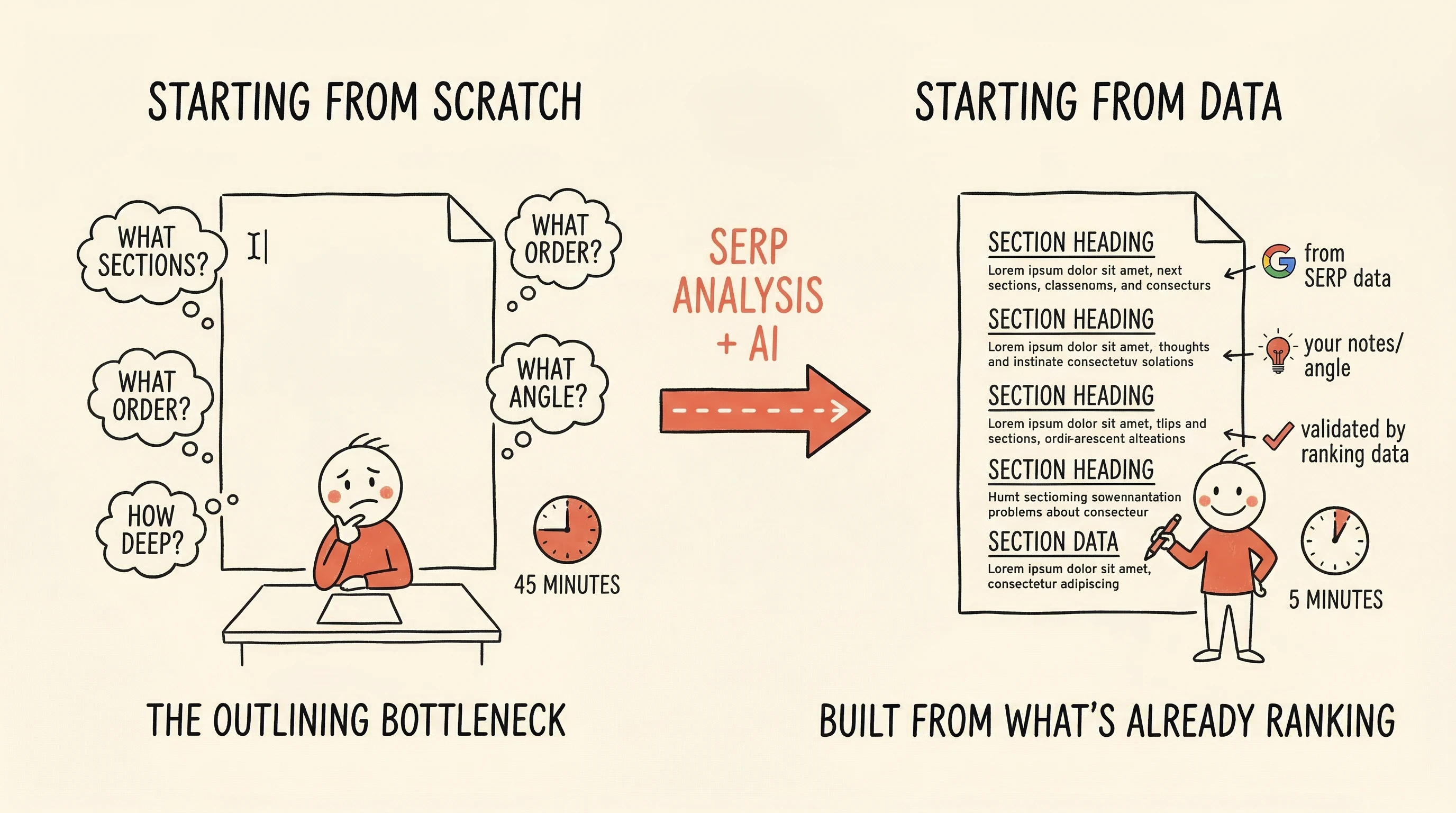
When the outline itself is built from the questions real people are searching for — not just what you think they might want to know — you end up writing content that matches what Google is looking for. SitePerfector builds outlines this way, pulling structure from what's already ranking well for your topic, so you start with a skeleton that's both organized and search-relevant.
Let AI handle the parts you find tedious
You don't have to write every word yourself. And you don't have to accept every word an AI generates, either. The practical middle ground: use AI for the sections that don't need your personal expertise, and write the sections that do.
Introductions, transitions, conclusions, and "explaining the basics" paragraphs — AI handles these well. These sections need to be clear and correct, but they don't need your 15 years of experience.
The sections where you share what you tell your customers, where you give the real advice that only someone in your industry would know, where you say "here's what most people get wrong" — write those yourself. That's where your expertise makes the article worth reading instead of generic.
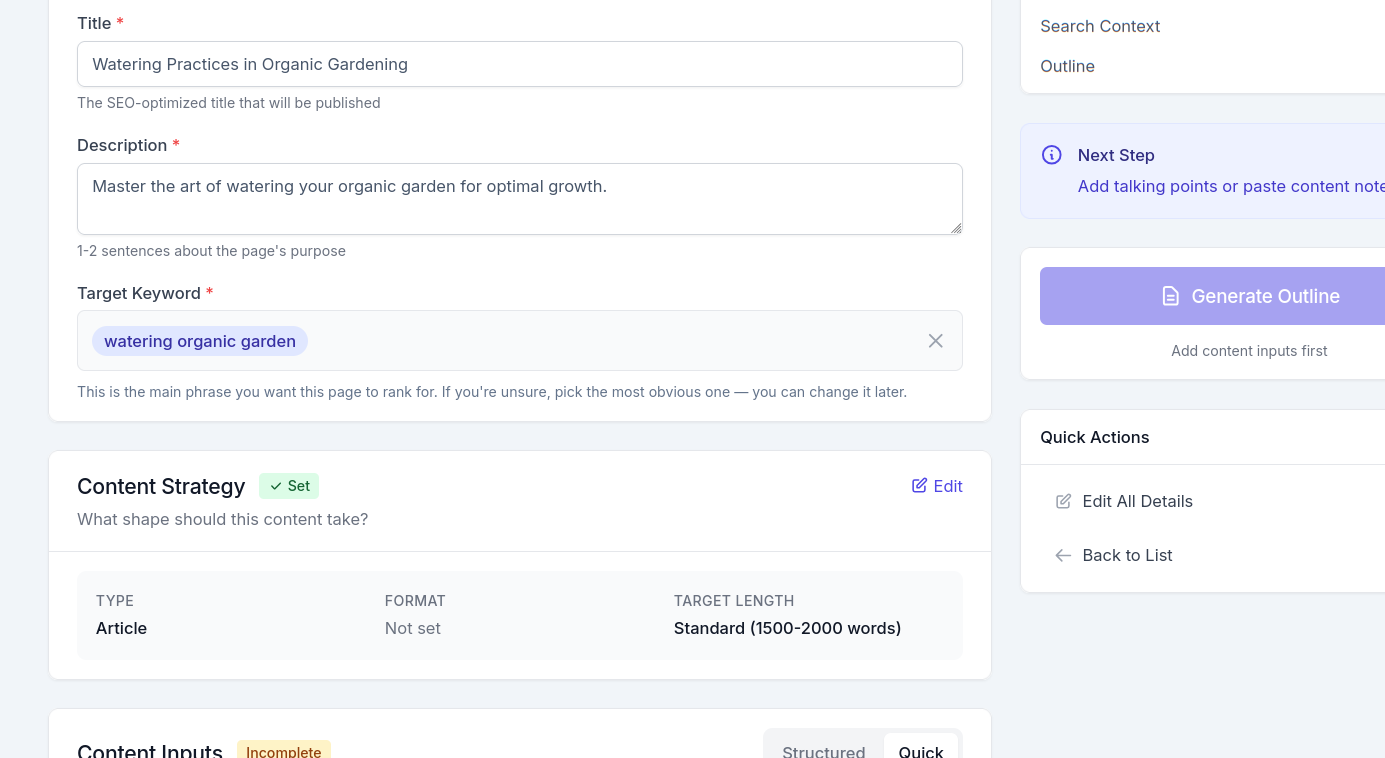
In SitePerfector's editor, each section of your outline is its own block. You can write any section yourself, tap a button to let AI draft it, or start with AI and then rewrite. Some sections you'll write in two minutes because you've said these things a thousand times. Others, you'll let AI handle and just review. The mix is yours to decide.
Your first blog post doesn't need to be perfect
The biggest trap: spending so long trying to make your first post perfect that you never publish it.
A published article that clearly answers a real customer question is useful. It can show up in Google, bring someone to your website, and turn them into a lead. A draft sitting in your files does none of those things, no matter how polished it is.
Your first post will not be your best. That's fine. Write it, publish it, and move on to the next one. You'll get faster and more comfortable with each one. The business owners who get results from their blog aren't better writers — they're the ones who actually published.
You know your business better than anyone. Your customers are searching for answers you already have. You just need a way to get those answers out of your head and onto your website — without it taking over your workload. Start with the questions you hear most often, work from an outline so you're never staring at a blank page, use AI for the parts that don't need your personal touch, and publish.